View results
Where a run writes its artifacts and how to read screenshots, API snapshots and reports.
The layout of a run directory, how before/after screenshots and API snapshots are named, and which reports SDODS produces.
The run directory
Every run gets a UUID v7 runId and a directory:
.sdods/runs/<runId>/
  run.json                       # manifest: project, env, tags, browsers, git, command
  summary.json                   # totals and status
  messages.ndjson                # cucumber messages (canonical ingest format)
  html-report/                   # HTML report
  dashboard/                     # SDODS dashboard (index.html + metrics.json)
  demo-shop/<fingerprint>/r0/    # one directory per scenario attempt
    meta.json
    scenario-start.png  scenario-end.png  failure.png
    03-before.png  03-after.png  ...
    api/03-1-request.json  api/03-1-response.json
    heal.jsonl
The fingerprint is stable across runs and browsers, so you can compare the same scenario over time.
Screenshot narratives
The suite tag chooses the policy:
| Policy | Default for | Captures |
|---|---|---|
on-failure | everything else | one screenshot on failure |
scenario | @smoke, @sanity | scenario start and end |
step | @regression | before and after every UI step |
visual | @visual | step captures plus a pixel comparison against a baseline |
API steps attach request.json and response.json instead of images.
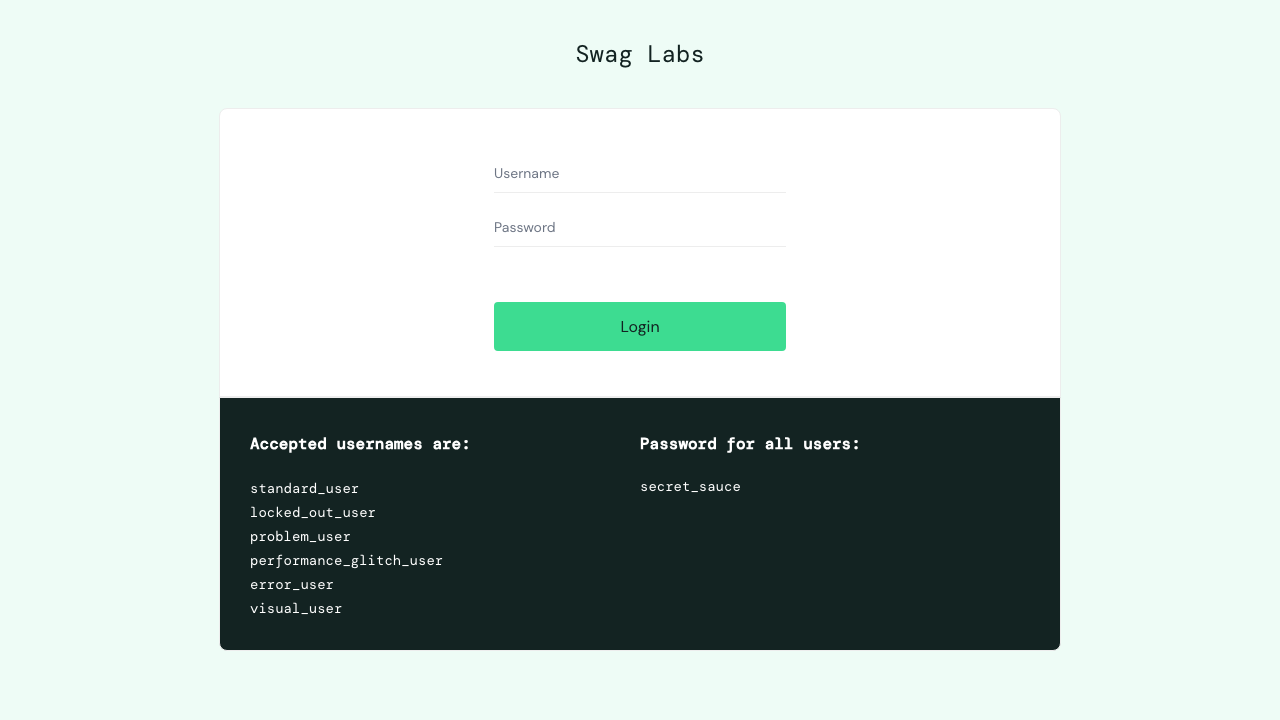
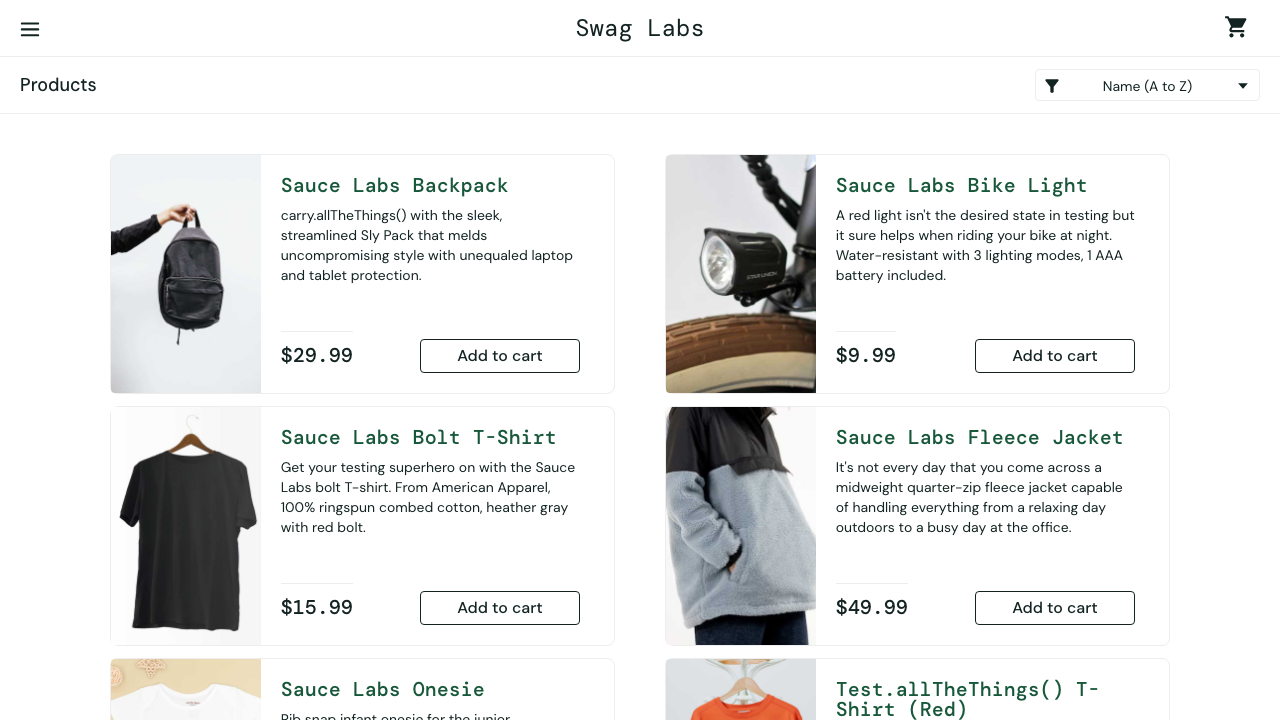
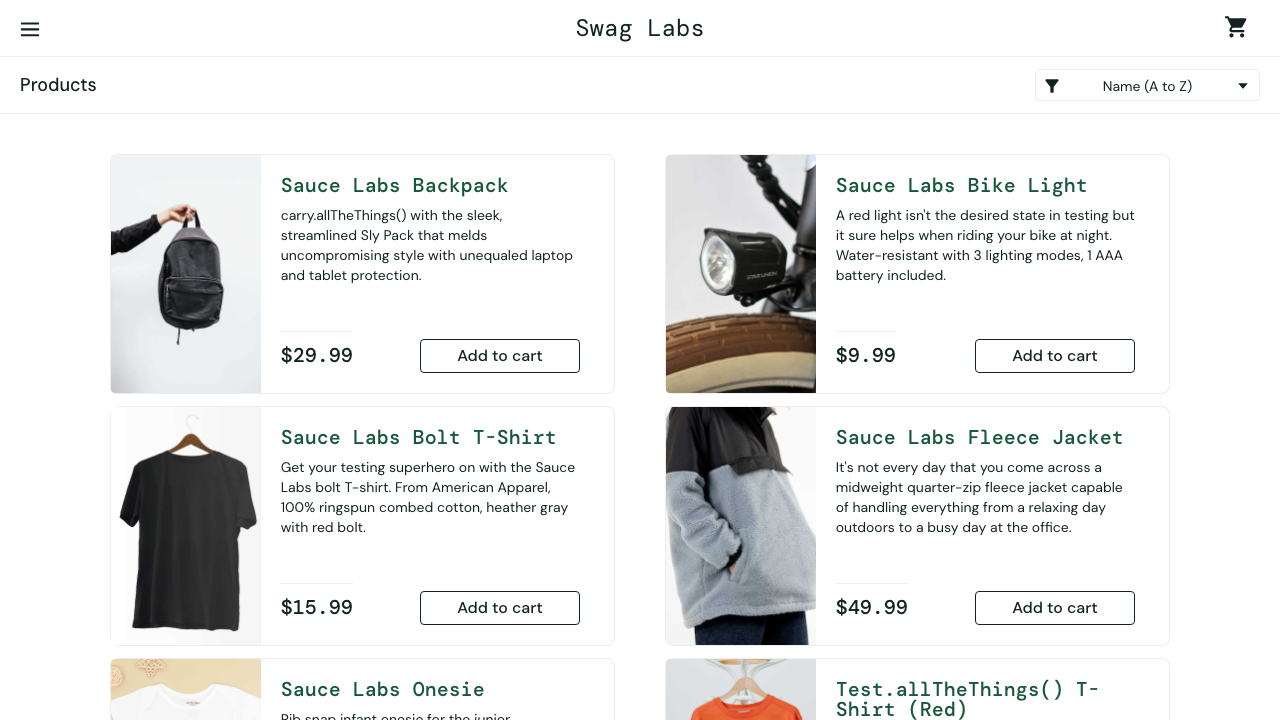
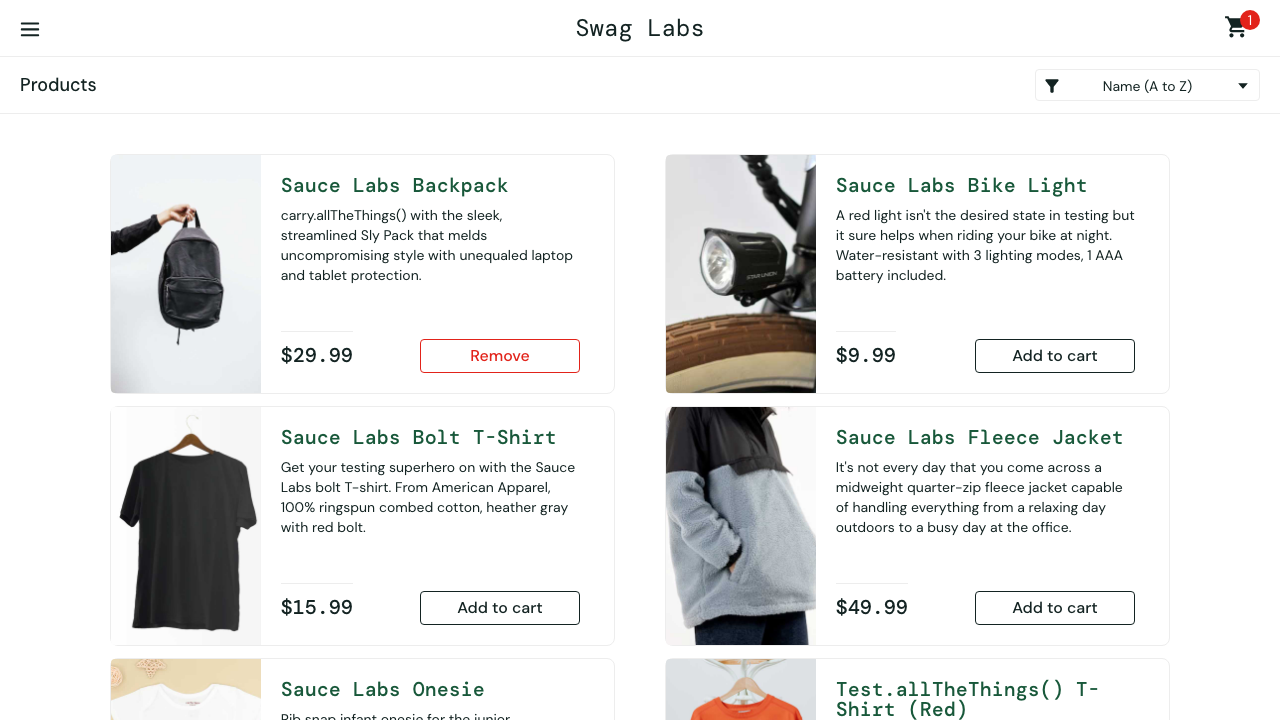
The images below are the real output of the scenario "Add a product to the cart" from a @regression run on chromium (policy step); they are refreshed from the latest run on every docs build.
Reports
bun run sdods report --last --open      # HTML report and the SDODS dashboard
bun run sdods trace <runId> # trace viewer for the run's traces| Report | Always | Purpose |
|---|---|---|
| Cucumber messages (NDJSON) | yes | canonical ingest into the database |
| Runner HTML | yes | step-level debugging with traces |
| SDODS dashboard | yes | totals, pass rate, flaky list, heals, narrative links; offline, mailable |
| JUnit | in CI or with --reporter junit | CI annotations |
| Cucumber HTML, Allure | opt-in in the project YAML | stakeholder-facing reports |
The run viewer
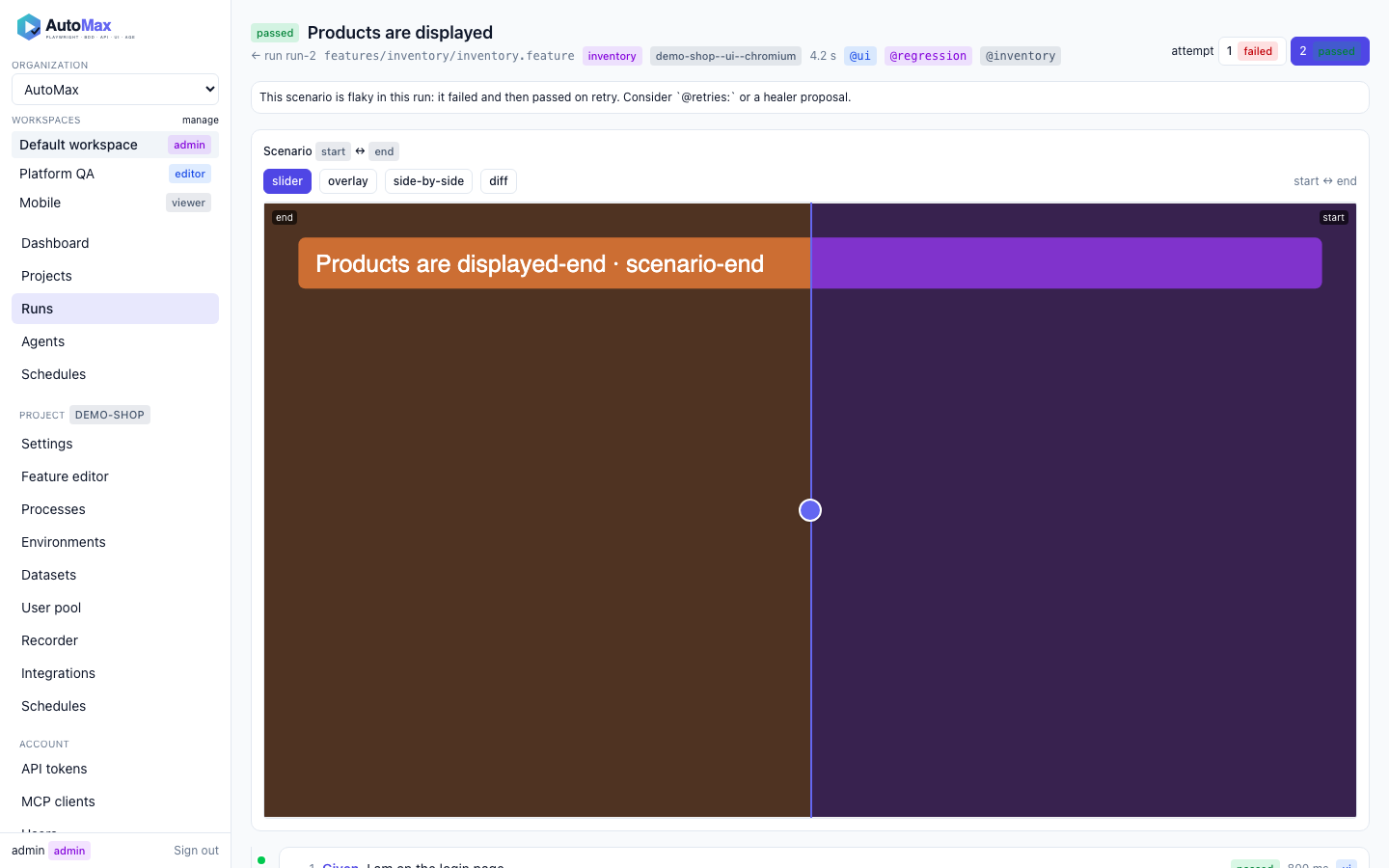
The web UI pairs before and after images with a slider, an overlay, side-by-side panes or a server-side pixel diff, shows API request and response panels, heal call-outs and a link to the trace.