Screenshots and visual testing
How the suite tag decides the screenshot policy, where images are stored, and how visual baselines work.
The screenshot policies, how a tag selects one, how before and after captures are named and
stored, how to control cost, and how @visual compares against per-browser baselines.
Policy by tag
screenshots:
  policy:
    default: on-failure
    '@smoke': scenario
    '@regression': step
    '@visual': visual
  fullPage: false
  mask: ['[data-test="shopping-cart-badge"]']
  maxDiffPixelRatio: 0.01
  baselines:
    inventory: { mask: ['.inventory_item_price'], maxDiffPixelRatio: 0.02 }
  viewport: { width: 1280, height: 720 }
  onlyOnFailure: false
An environment file may override the section, for example screenshots: { onlyOnFailure: true } on a slow CI target.
Files and attachments
.sdods/runs/<runId>/demo-shop/<fingerprint>/r0/
  scenario-start.png
  03-before.png   03-after.png
  scenario-end.png
  failure.png
Each file is also attached to the test with a stable name (sdods/shot/step/03/before), which is what the database ingest and the run viewer pair up. API steps attach request.json and response.json instead.
Sample output
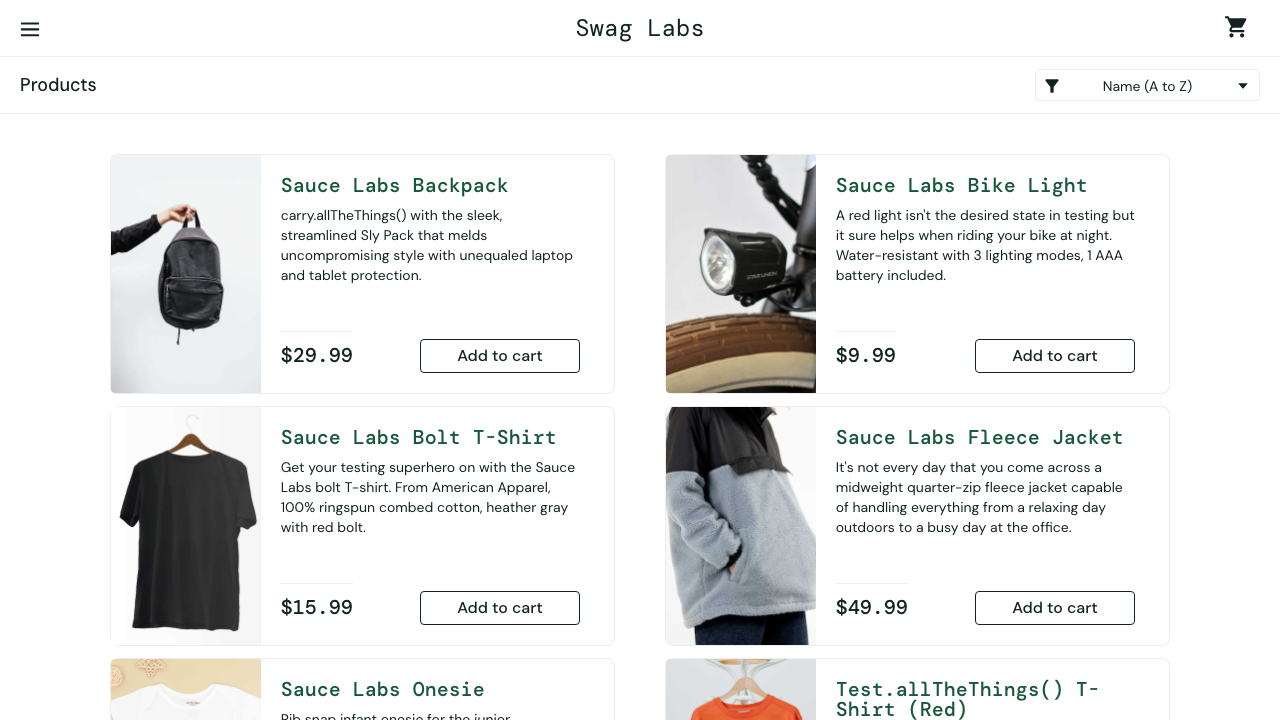
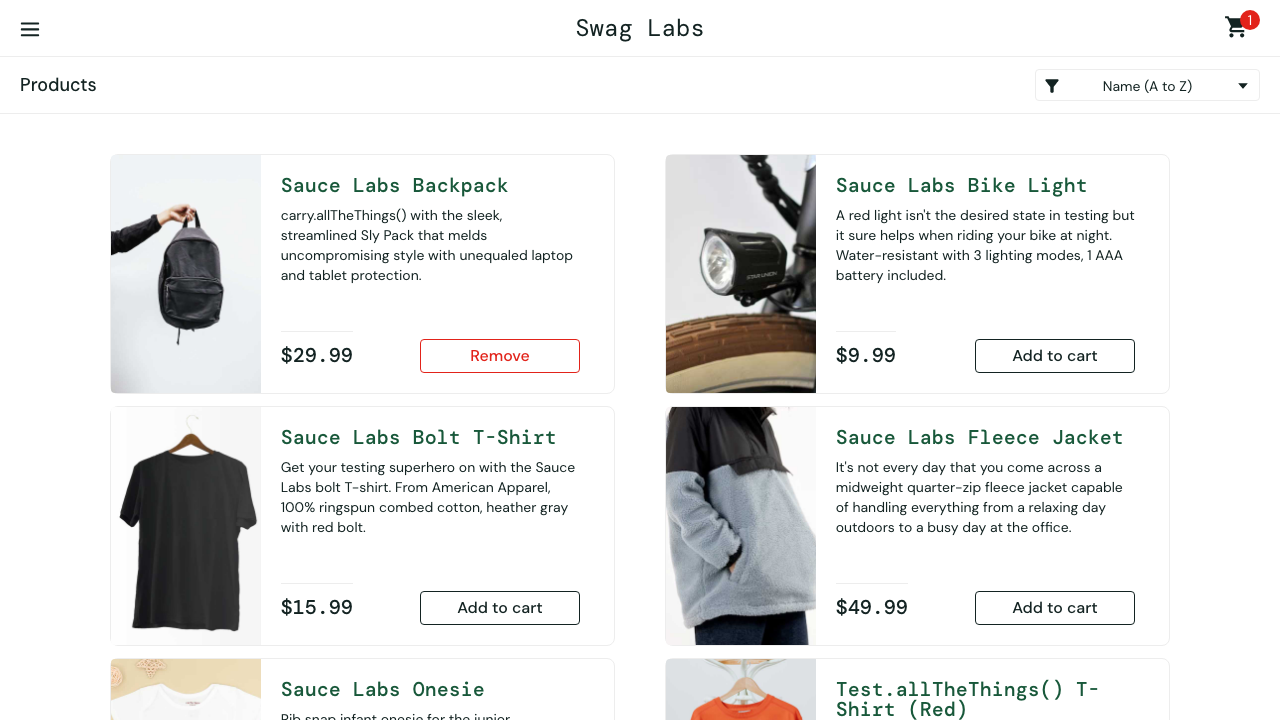
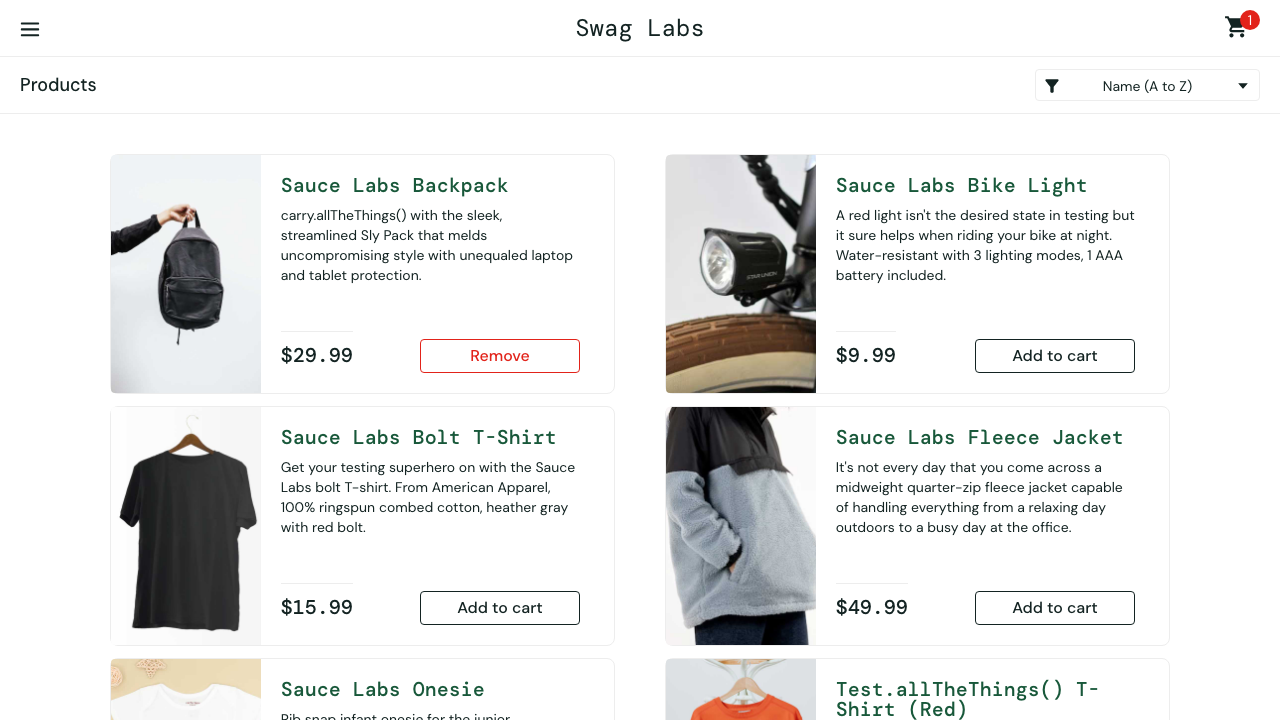
The images below are copied from the latest demo run when the docs are built (scenario "Add a product to the cart", chromium, policy step).
Visual baselines
@ui @regression @visual
Scenario: Inventory page matches the baseline
  Given I am on the inventory page
  Then the page should match the visual baseline "inventory"
A baseline belongs to one run target and one platform, because fonts and anti-aliasing differ between macOS and Linux:
projects/<slug>/features/__screenshots__/<run target>/<platform>/<name>.png
projects/demo-shop/features/__screenshots__/demo-shop--ui--chromium/linux/inventory.png
The run target is the runner project name (<slug>--<layer>--<browser>) and the platform is darwin, linux or win32. A baseline recorded on a laptop never matches a Linux CI runner; see Linux baselines from CI.
Masking and threshold
Every capture hides the selectors in screenshots.mask, disables animations and hides the caret. A check fails when more than maxDiffPixelRatio of its pixels differ (default 0.01, one percent). For one baseline, add to both:
screenshots.baselines.<name>.mask: selectors masked in addition toscreenshots.mask.screenshots.baselines.<name>.maxDiffPixelRatio: replaces the project threshold for that baseline.
<name> is the step argument without .png. An environment file can override any of these, for example a looser threshold on one target.
To mask something for a single step, use the masking variant. The selectors are comma-separated and add to the project and baseline masks:
Then the page should match the visual baseline "inventory" masking "[data-test='shopping-cart-badge'], .footer_copy"A selector that contains a comma itself, such as :is(a, b) or [title="a, b"], would be split. Put it in screenshots.baselines.<name>.mask instead.
Reviewing and accepting a changed baseline
When a check fails, the run keeps the expected, actual and diff images and a small record of the failure next to the scenario's screenshots:
.sdods/runs/<runId>/<slug>/<fingerprint>/r<retry>/visual/<run target>/
  inventory-expected.png  inventory-actual.png  inventory-diff.png
  inventory.failure.json
Look at what changed, then accept it deliberately:
sdods baselines diff --run <runId>sdods baselines accept inventory --run <runId>accept copies the actual image over the baseline for the platform the run happened on, and prints what it wrote and the diff it accepted. --all accepts every failed check of the run. --run is required, so an accept always names the run whose pixels it takes. Commit the PNG with the change that moved the pixels. See sdods baselines.
In the web UI, a failed visual step shows Accept as baseline to editors. The confirmation shows the expected, actual and diff images before anything is written, and then does the same as sdods baselines accept.
Accepting writes to the project tree, just like --update-snapshots. A person reviews the diff
and runs it; an agent does not.
sdods run --update-snapshots still works. It overwrites every baseline it compares without showing a diff, so it prints a warning pointing at sdods baselines. Use it only to create baselines for new scenarios in bulk.
Linux baselines from CI
The nightly @regression job in ci.yml runs inside mcr.microsoft.com/playwright:v<version>-noble, with the version pinned to the repository's exact @playwright/test. The visual-baselines workflow renders baselines in that same image:
- Open Actions → visual-baselines → Run workflow. Choose the projects (default
demo-shop), the environment, the browsers and the tag expression (default@visual). - The workflow runs those scenarios with
--update-snapshotsinside the container. It then opens a pull request that contains onlyprojects/*/features/__screenshots__/*/linux/*.png. - Review every image in the pull request, then merge it.
The pull request is opened with GITHUB_TOKEN, and GitHub does not start workflows for changes that token makes. To run CI on the pull request, push an empty commit to its branch.
A project can only get baselines this way if CI can reach an environment for it. A project that runs against localhost needs its app started in the workflow first.
When a nightly run fails a visual check, download its sdods-<project>-<browser>-<shard>-regression artifact into .sdods/runs/. Then run sdods baselines diff --run <id> locally. accept writes the Linux baseline, because the record says where the pixels came from.
The monthly dependencies workflow moves the image tag whenever it upgrades Playwright, and tests/playwright-image.test.ts fails if the image and the client disagree. After an upgrade, re-run visual-baselines, because new browser builds can move pixels.
Cost control
onlyOnFailure: true(or the environment variable) keeps the visual baseline check but drops step captures.- Captures are skipped when a step made only API calls and the URL did not change.
- Videos and traces stay on the
retain-on-failureandon-first-retrysettings.